Driver Availability Tracking Software
Driver Availability Tracking Software
Stop rebuilding availability from calls, messages and spreadsheets. Drivers update their status from their phone and the office gets one current view.
Confirmed, unavailable and no-response drivers stay visible across the period, ready for the operational team to plan around.
Rather talk it through? Request a callback
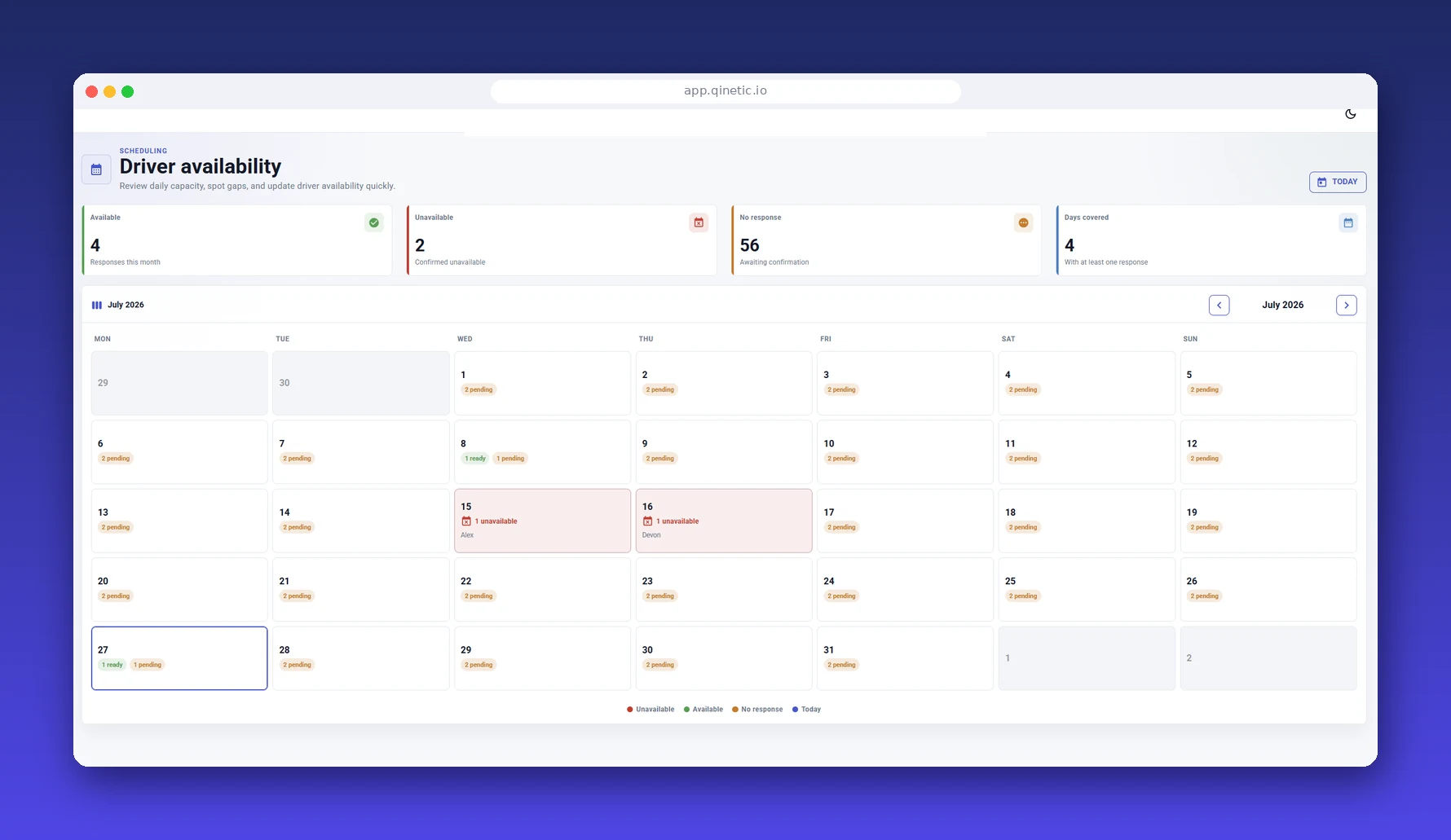
Driver availability
See confirmed, unavailable and no-response drivers across the working period from one office view.
A dependable availability record across the driver base
Driver availability calendar
Drivers set available and unavailable days from their phone.
Office planning view
See availability today and across the forward calendar.
No-response visibility
Separate missing responses from confirmed unavailability so follow-up is targeted.
Clear day-by-day status
Keep each driver's latest response visible without searching message threads.
Admin updates
The office can maintain the record when a driver reports a change through another channel.
Connected driver record
Review availability alongside documents, incidents, contracts and compliance actions.
FAQs
How do drivers mark availability?
Drivers update available or unavailable days from their phone, without an office ring-round.
Can I see capacity across the week?
Yes. Planners see today, tomorrow, and a forward calendar of confirmed availability.
Can I see who has not replied?
Yes. No-response drivers remain a distinct group so the team knows exactly who still needs follow-up.
See who's available, in real time
Book a demo and see Qinetic's availability workflow.
Book a Demo Start free trial